Ocean scene preview
Your drawing swims past coral, bubbles, and light rays.
Made from real drawings
Turn a drawing into an animation — free, no signup required.
Animation generation is temporarily unavailable.
We are finishing the private rendering service. You can still print and color the sea-animal pages while we complete testing.
Browse coloring pagesYour drawing swims past coral, bubbles, and light rays.
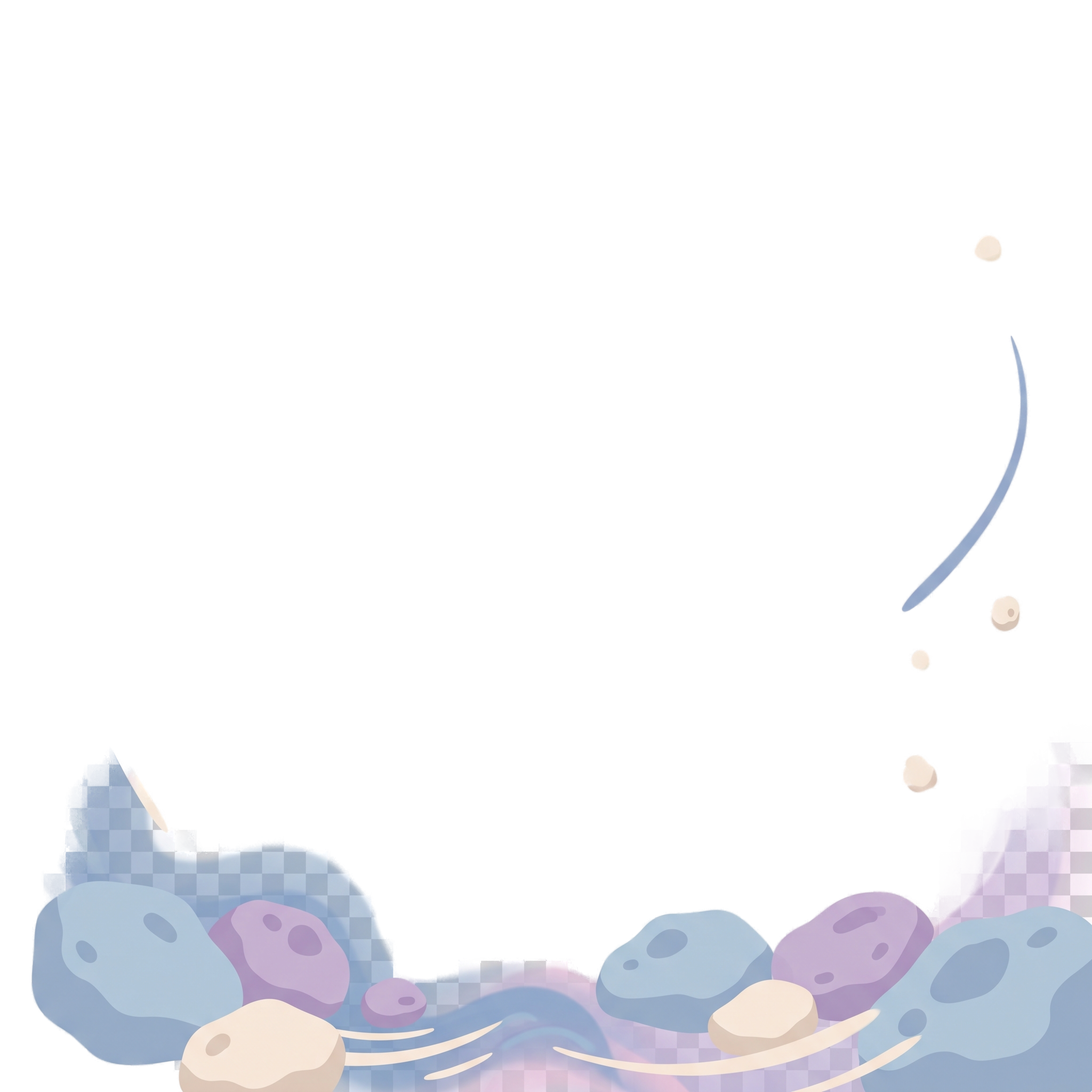
It floats past planets and stars.
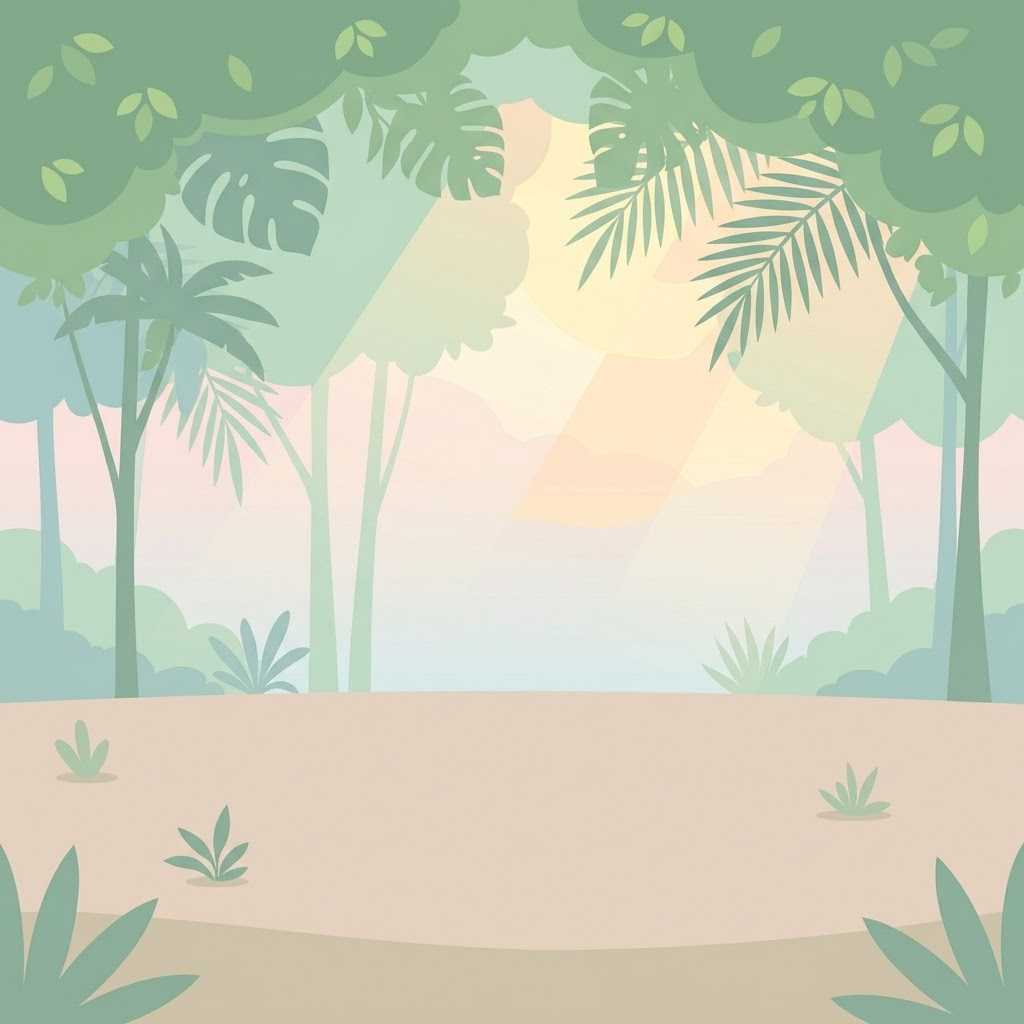
Your drawing stays recognizable inside a layered jungle scene.
Animated Drawings is a browser tool for putting the drawing you already made into a scene that moves. Start with a crayon picture, a coloring page, a quick sketch, or a photo from your phone. The drawing stays recognizable; the world around it gives it a path and a little life.
Bring paper artwork, a coloring page, a digital doodle, or a photo of one. No prompt is needed.
Choose ocean, space, jungle, farm, or city — then let the scene frame your art.
See all five scenes →Start with a 720×720 watermarked preview; sign in later for 1080×1080 and a 9:16 version.
Erase or restore parts of the subject before rendering. Your original drawing is not redrawn by a video model.
Take a photo of a drawing on paper, or upload a sketch. Keep the artwork clear and well-lit.
Erase the background that should not move; restore any part you removed by mistake.
Choose a world and generate. Your drawing moves inside a short looping video.
Each scene gives your artwork a path, pace, and place to belong. They are made for conversion and depth, not generic background decoration.
Meta's Animated Drawings is free and works well for one clean character. We built ours for the messy drawings: multiple subjects, drawings photographed at an angle, and drawings you want placed in a scene instead of a plain background.
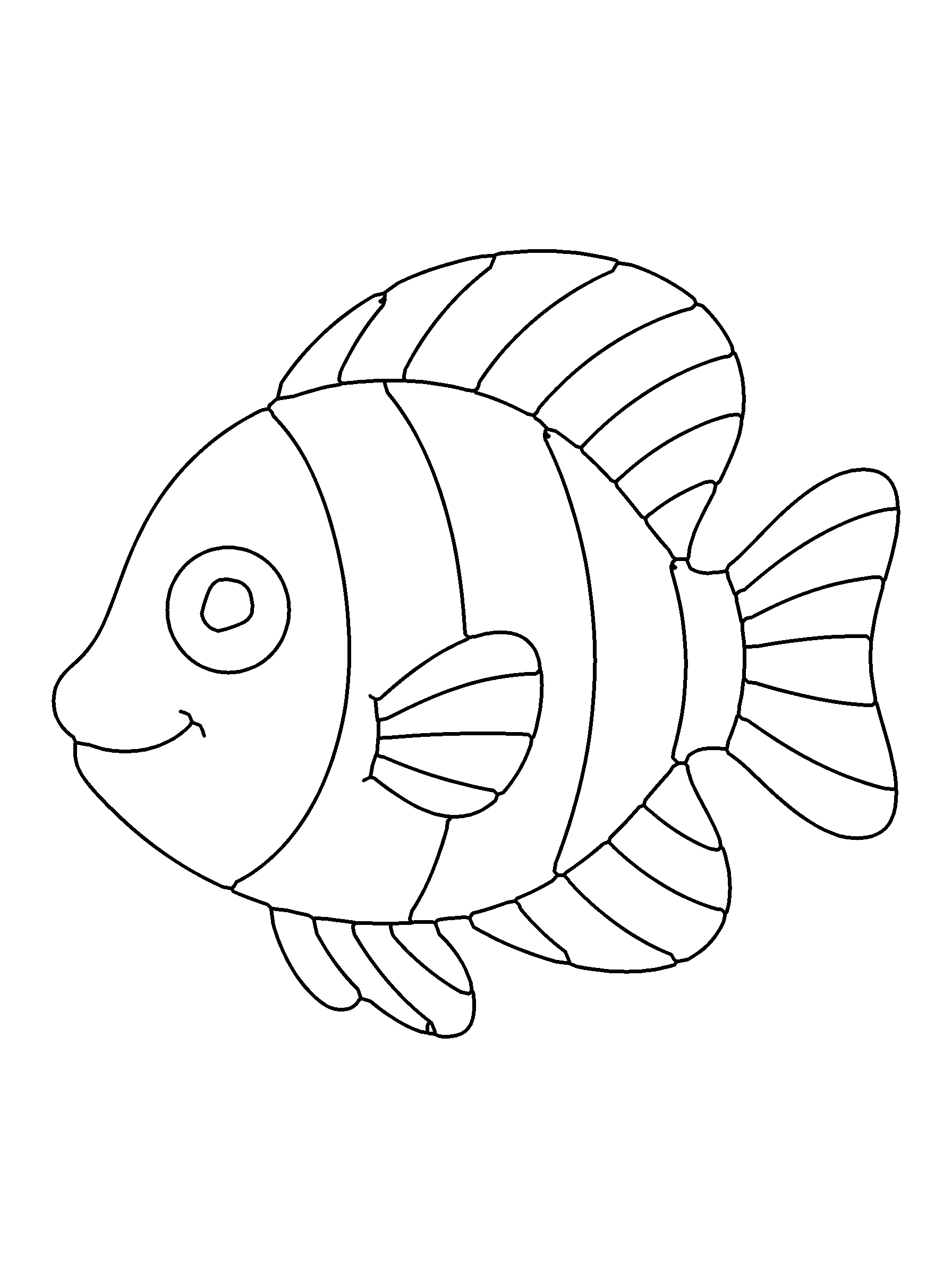
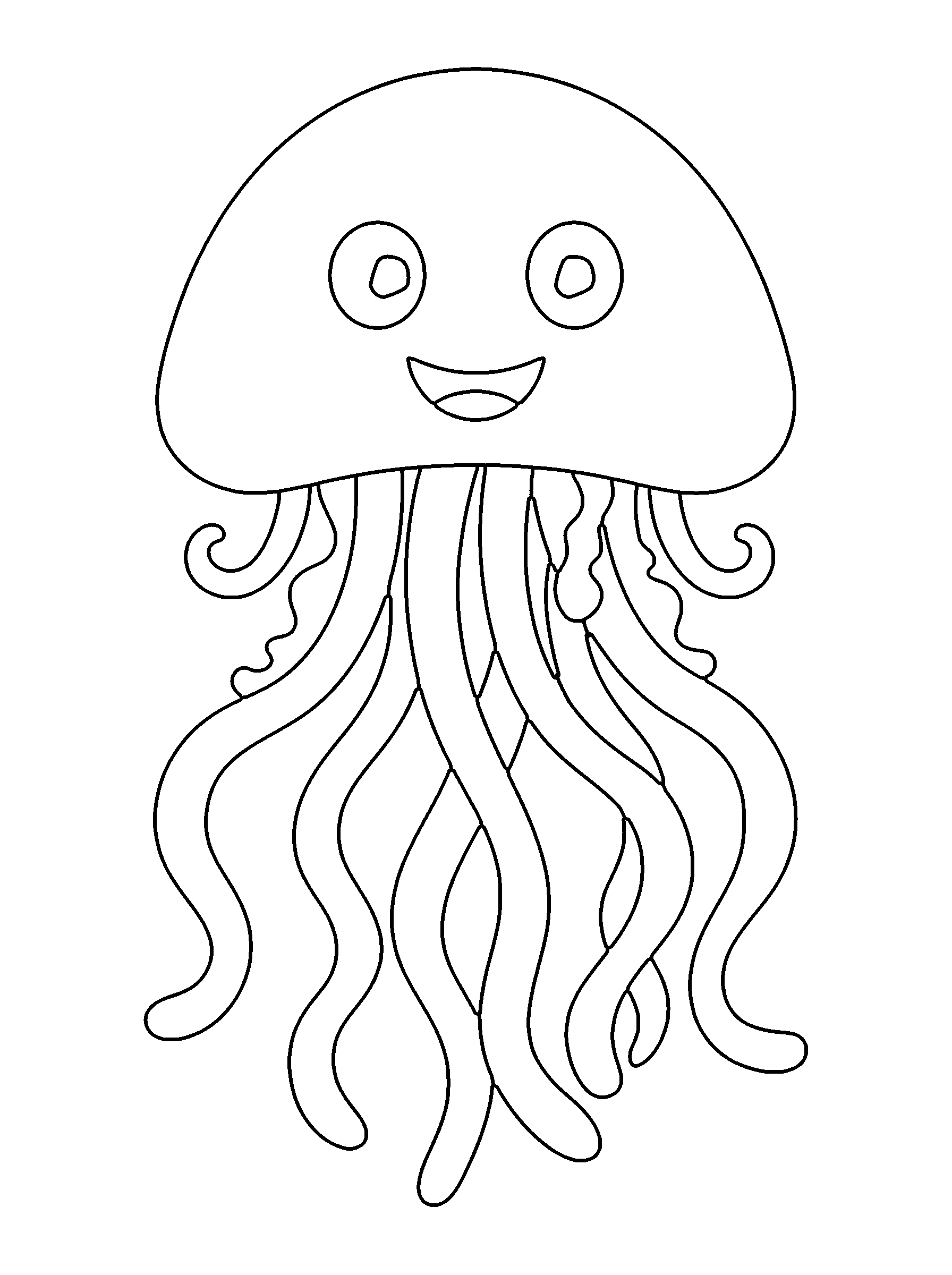
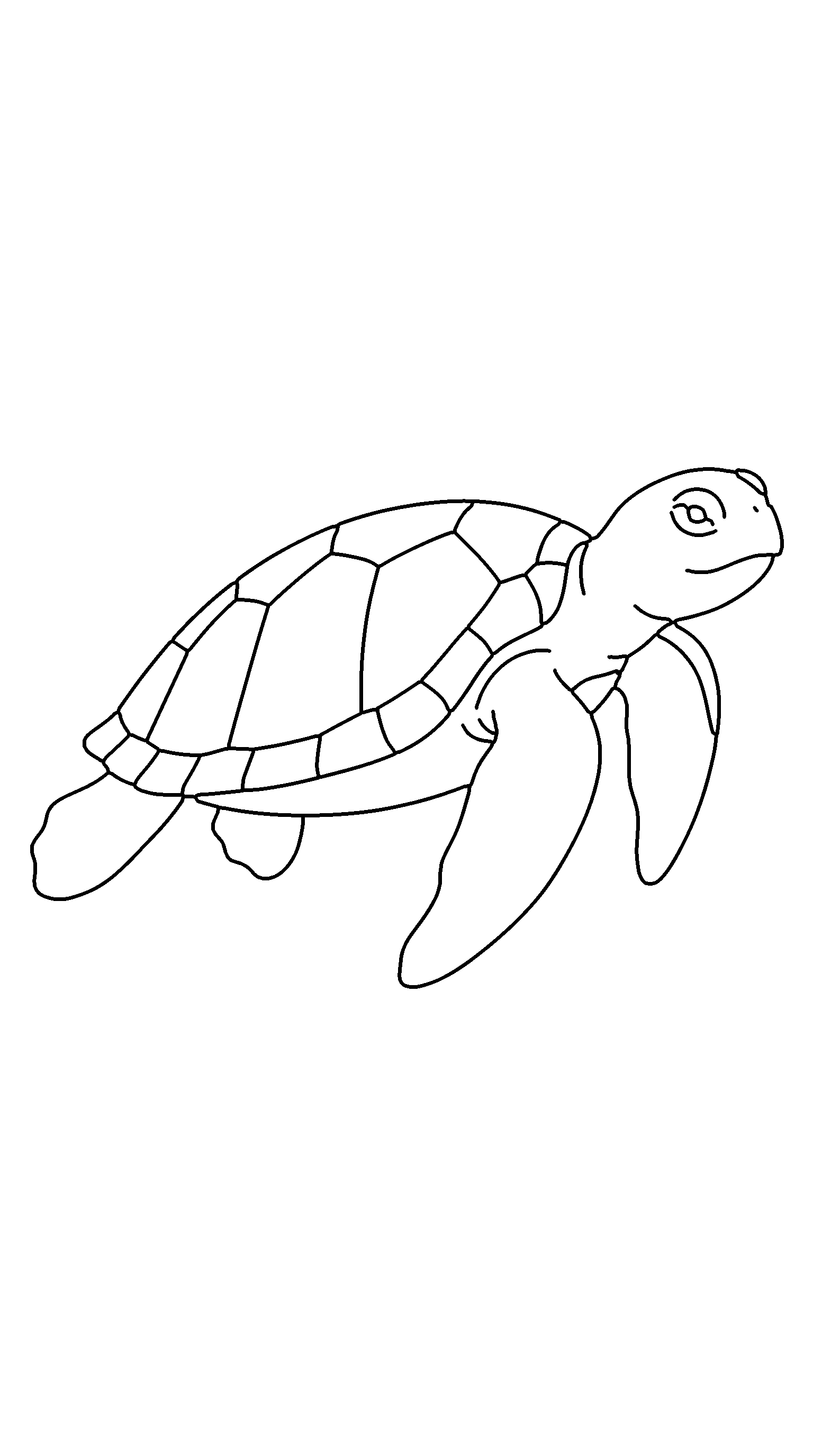
Animate a drawingUse free coloring pages as the first drawing in your animation. Start with an ocean animal, add your own color, then bring the finished page to life.


Animated Drawings turns a static drawing into a short animation. Upload a hand-drawn fish, dinosaur, or doodle and it moves inside a scene you pick — the ocean, space, a jungle, and more.
Yes, it is free to try. You can upload and preview an animation without signing in. A free account unlocks the full-resolution download without a watermark.
Simple drawings with one clear subject work best — a fish, dinosaur, character, or doodle. Photos of paper drawings are fine, and you can fix the subject by hand before animating.
Rendering runs in the background. The completion time depends on queue load and the drawing size.
A 720×720 MP4 with a small watermark is free with no signup. A free account unlocks a 1080×1080 MP4 without a watermark and a 9:16 version for Reels, Shorts, and TikTok.
Yes — choose Ocean and your drawing swims through a coral reef with fish, bubbles, and light rays. Space, jungle, farm, and city work the same way.
Your original upload and intermediate files are deleted 24 hours after an animation is created. Shared videos stay online for 30 days so the link keeps working.
Your email is used only for signing in. It is never attached to your animations.
Yes. Every finished animation has a private-to-create, read-only share link with a preview image. It stays online for 30 days after you choose to share it.
Yes — free printable ocean and sea-animal coloring pages are available to color, upload, and watch swim.
The product will tell you what to fix — file format, file size, no clear subject, or a render error — before you try again.
Both are free. The difference is scenes and control: your drawing moves inside an ocean, space, or jungle rather than a plain background, and you can fix a subject with more than one character or overlapping limbs.
Ocean, space, jungle, farm, and city — with more planned over time.
Yes. Teachers can print coloring pages, students can color them, and each drawing can be animated on a phone or Chromebook. No install or signup is needed to try it.
You need to own the drawing or have permission to use it. Do not upload characters or artwork you do not have rights to, or photos of real people.
Animated Drawings runs in a browser on a phone, tablet, and desktop. No download is required.
We are building a simple way to keep real drawings at the center of a digital moment. The product is designed for people who want the color, lines, and personality of a hand-made picture to remain visible as it moves.
Last updated: September 21, 2026
Print, color, and send an ocean page into motion.
Explore free coloring pages


